The National Association of Broadcasters (NAB) Show 2026 was a showcase of cutting-edge technology, and ASUS made a significant impact with its demonstration of comprehensive AI workflows. A key highlight was the use of the ProArt Display for HDR video editing within Adobe Premiere Pro. This demonstration underscored the increasing importance of artificial intelligence in streamlining and enhancing video production processes.
The Rise of AI in Video Production
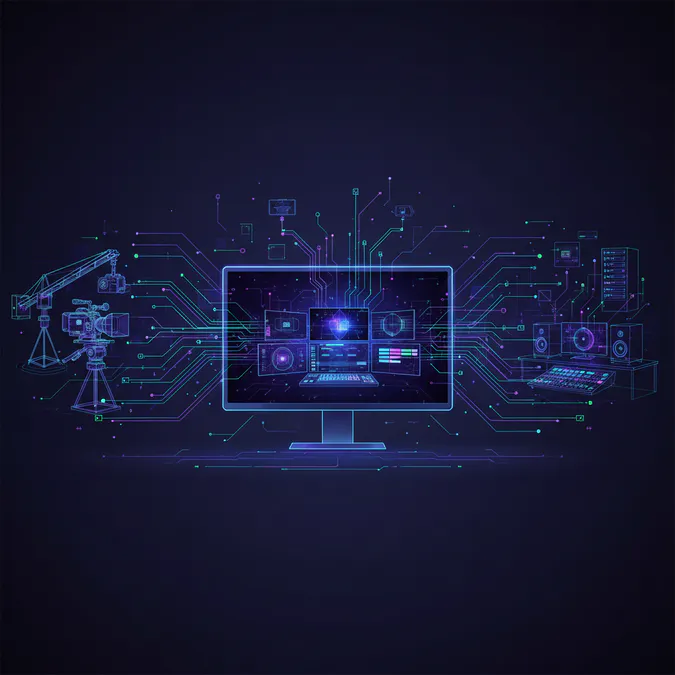
Artificial intelligence is rapidly transforming the video production landscape. From automated editing tasks to intelligent color correction and noise reduction, AI tools are empowering creators to work more efficiently and achieve higher-quality results. ASUS's demonstration at NAB Show 2026 provided a glimpse into the future of video creation, where AI seamlessly integrates into every stage of the workflow.
Key Takeaways from the ASUS Showcase
- HDR Video Editing with Adobe Premiere Pro: The demonstration focused on the practical application of AI in HDR video editing, showcasing how the ProArt Display and Adobe Premiere Pro work together to deliver stunning visuals.
- AI-Powered Color Correction: AI algorithms can analyze video footage and automatically adjust color balance, contrast, and saturation, saving editors significant time and effort.
- Intelligent Noise Reduction: AI-powered noise reduction tools can effectively remove unwanted noise from video and audio, improving the overall quality of the final product.
- Automated Editing Tasks: AI can automate repetitive editing tasks such as scene detection, cut selection, and motion tracking, freeing up editors to focus on more creative aspects of the project.
AI Workflows with the ASUS ProArt Display: A Creator's Dream
The ASUS ProArt Display is designed specifically for creative professionals who demand exceptional color accuracy, high resolution, and advanced features. Its key features include:
- Wide Color Gamut: The ProArt Display covers a wide range of color spaces, including Adobe RGB, DCI-P3, and sRGB, ensuring accurate color reproduction for various video formats.
- High Resolution: With resolutions up to 8K, the ProArt Display delivers incredibly sharp and detailed images, allowing editors to work with precision.
- HDR Support: The ProArt Display supports HDR (High Dynamic Range) content, providing a wider range of brightness and contrast for more realistic and immersive visuals.
- Factory Calibration: Each ProArt Display is factory calibrated to ensure accurate color reproduction out of the box.
- Ergonomic Design: The ProArt Display features an ergonomic design that allows for comfortable viewing and reduces eye strain during long editing sessions.
Integrating AI into Your Video Workflow
Integrating AI into your video workflow can significantly improve efficiency and quality. Here are some tips for getting started:
- Identify Repetitive Tasks: Identify tasks that are time-consuming and repetitive, such as color correction, noise reduction, and scene detection. These are prime candidates for AI automation.
- Explore AI-Powered Tools: Research and experiment with different AI-powered video editing tools and plugins. Many options are available for Adobe Premiere Pro, Final Cut Pro, and other popular editing software.
- Train AI Models: Some AI tools allow you to train custom models based on your specific needs and preferences. This can further improve the accuracy and effectiveness of AI automation.
- Monitor and Adjust: Continuously monitor the performance of AI tools and make adjustments as needed. AI is not a perfect solution, and human oversight is still essential.
- Embrace the Future: AI is constantly evolving, so stay up-to-date with the latest advancements and be open to new ways of integrating AI into your video workflow.
The Bottom Line
ASUS's demonstration of AI workflows at NAB Show 2026 highlighted the transformative potential of artificial intelligence in video production. By leveraging AI tools and advanced displays like the ProArt, creators can streamline their workflows, improve the quality of their work, and unlock new creative possibilities. As AI technology continues to evolve, it will undoubtedly play an increasingly important role in the future of video creation.
Frequently Asked Questions (FAQ)
What are AI workflows in video production?
AI workflows in video production refer to the integration of artificial intelligence tools and techniques to automate and enhance various aspects of the video editing process, improving efficiency and quality.
How can the ASUS ProArt Display improve my video editing?
The ASUS ProArt Display offers exceptional color accuracy, high resolution, and advanced features that enhance the video editing experience, allowing for more precise and creative work.
What AI tools can I use for video editing?
There are many AI-powered tools available for video editing, including plugins for Adobe Premiere Pro and Final Cut Pro that automate tasks like color correction and noise reduction.
Is AI the future of video production?
Yes, AI is rapidly becoming an integral part of video production, streamlining workflows and enabling creators to focus on more creative aspects of their projects.
Key Takeaways
By implementing AI workflows, video creators can significantly enhance their production processes. The ASUS ProArt Display serves as a powerful tool in this evolution, providing the necessary features to take full advantage of AI technology.